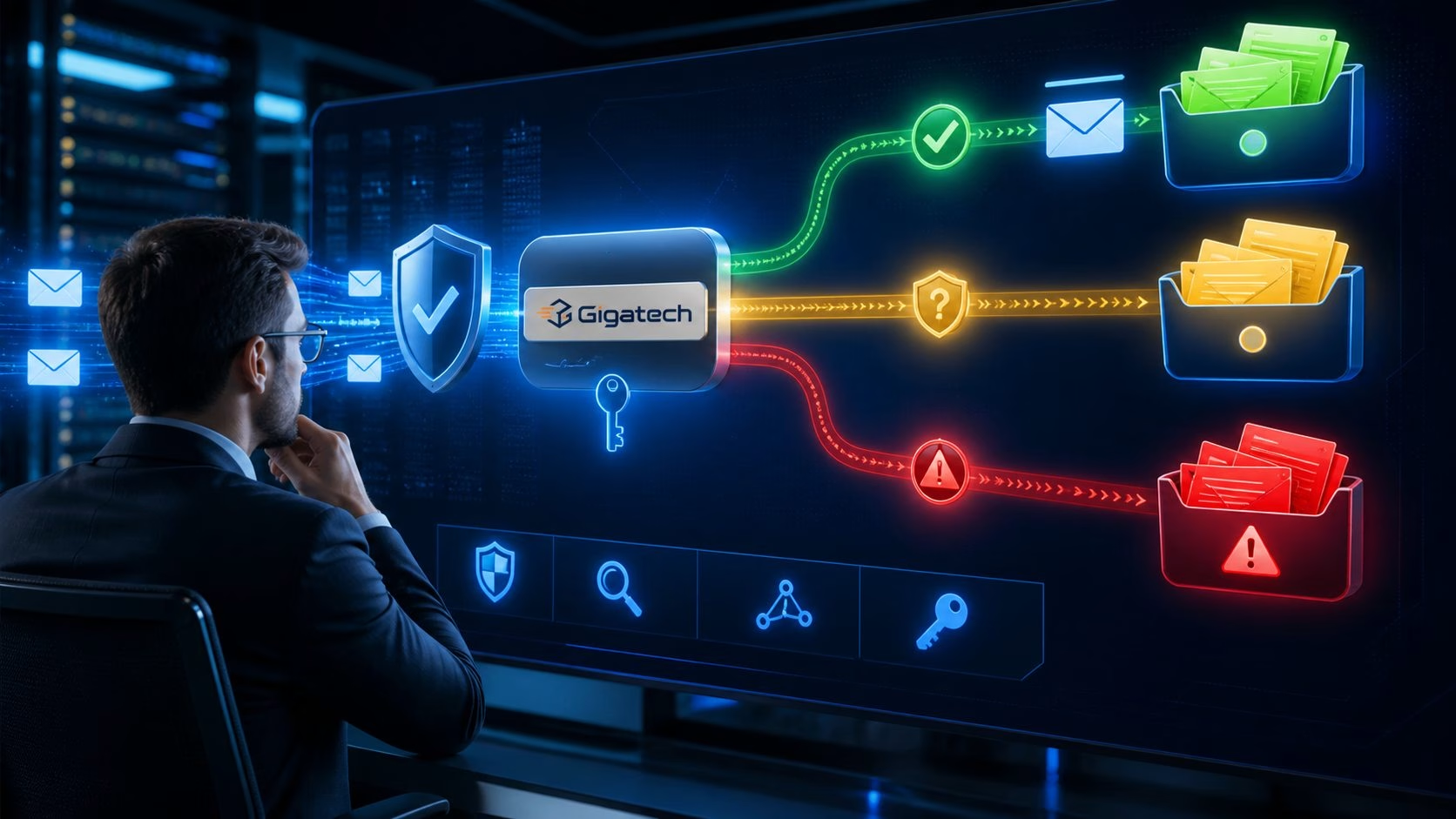
Migrating email without losing messages requires more than changing an MX record. During the transition, senders may use old DNS answers, users may work on two servers and devices may retain previous settings. Inventory, pre-synchronisation and a controlled final delta keep the move manageable.

Inventory before moving
- Mailboxes, aliases, forwarders, groups and catch-alls.
- Quotas, folder structures and total data.
- Filters, autoresponders and shared mailboxes.
- Devices, printers, websites and applications using SMTP.
- MX, SPF, DKIM, DMARC, autodiscover and PTR.
Build the destination first
Create accounts, quotas and aliases before DNS changes. Test IMAP, SMTP, webmail, TLS and authentication with a temporary hostname. Verify that applications can use modern encryption and the correct sender identity.
Synchronise in multiple passes
An initial IMAP sync can run days before cutover. Run another shortly before the switch and a final delta for messages delivered to the old server during the transition. Do not retire the old environment immediately.
DNS and authentication
Lower TTL in advance, change MX carefully and extend the existing SPF record instead of creating a second one. Publish DKIM for the new sender and retain old selectors while old systems may send. Do not begin with an aggressive DMARC policy before all senders are known. See our guide to SPF, DKIM and DMARC.
Avoid local surprises
Outlook and other clients may hold local folders, rules or large caches. Distinguish server data from information stored only on a device. Test phones, calendars, contacts and delegated access separately when those services are in scope.
Cutover checklist
- Run the final pre-sync.
- Test the new server and external delivery.
- Change MX and related records.
- Test sending from websites and devices.
- Monitor queues and logs on both servers.
- Run the delta sync.
- Retire the old server only after the agreed retention period.
Frequently asked questions
Can email move without interruption?
Overlap and synchronisation can usually minimise visible interruption, but planning and testing remain essential.
Are filters migrated automatically?
Not always. It depends on the source, protocol and migration method.
When can the old server be switched off?
After DNS caches have expired, delta synchronisation is complete and logs show no relevant new deliveries.
Ask Gigatech to review your migration plan through the support portal.