A WooCommerce store does more work than a conventional business website. Visitors browse products, filter results, sign in, change their basket and pay. Some pages are identical for everyone; others are personal and constantly changing. Caching everything risks incorrect baskets or stale stock. Caching nothing forces PHP and the database to repeat the same work on every click. Performance comes from knowing the difference.
Start with the public catalogue
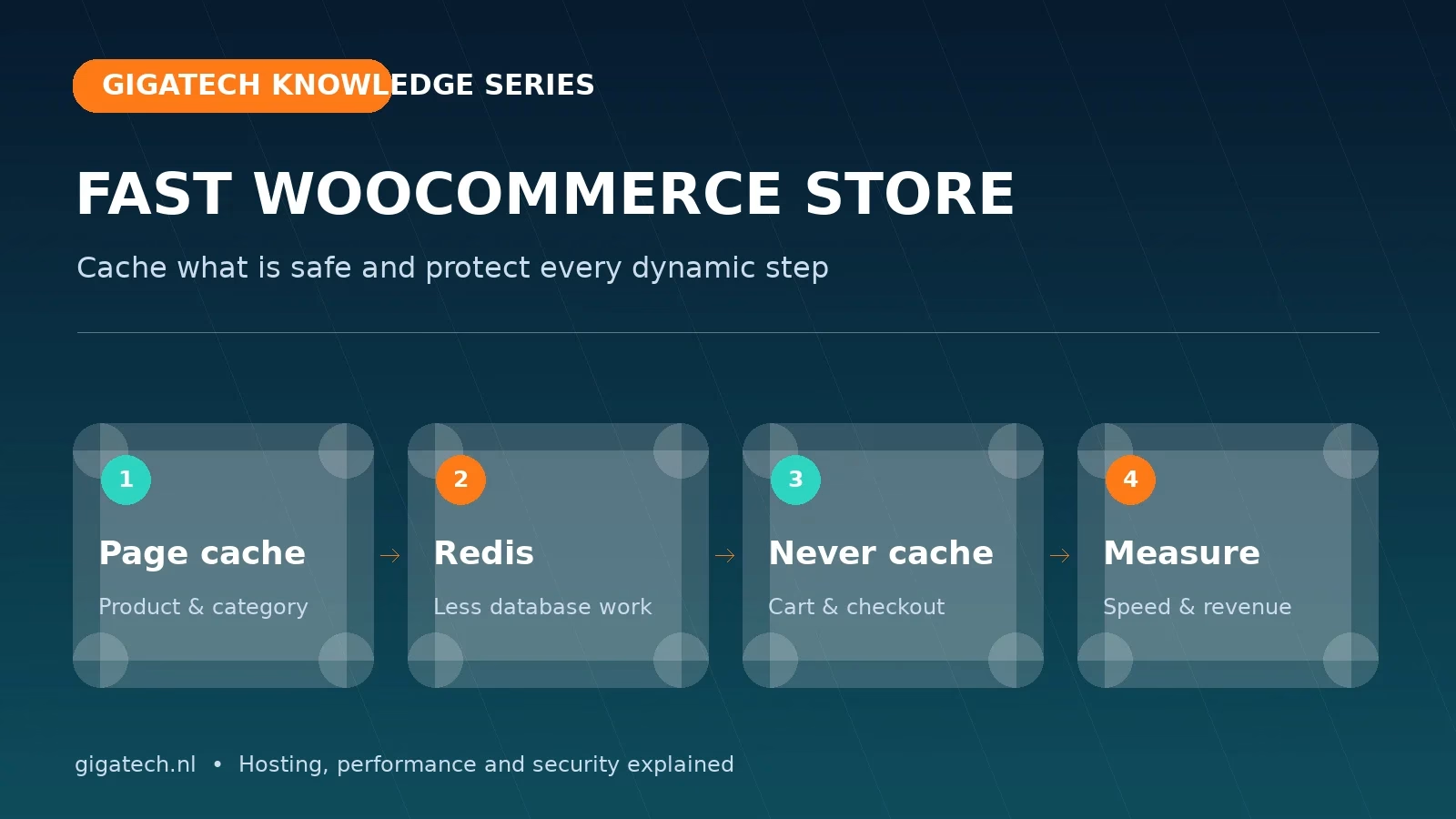
Product, category and information pages are normally strong candidates for LiteSpeed page caching. The server can return prepared HTML immediately, so PHP and MySQL do far less work. Purge the relevant cache automatically when prices, stock or content change. Search results and pages with personal filters must not accidentally be stored as one public version.
Keep cart, checkout and My Account dynamic
The cart, checkout and account areas contain data for one visitor and must stay outside public page cache. WooCommerce and LiteSpeed Cache provide standard exclusions, but custom code, multilingual features and checkout extensions can introduce new cookies or URLs. Test in private browsing: add different products, change quantities, apply a voucher, sign in and out and complete a test payment.
Cart fragments update the mini-cart through AJAX. That is useful, but can add JavaScript and server requests to every page. Do not disable it blindly. Load it only where the basket is visible or relevant, then test variable products, sidebars and mobile navigation.
Redis accelerates work that cannot be fully cached
Redis object caching keeps frequently used database results in memory. It helps with product queries, settings and repeated work when a complete page cannot be cached. Redis does not replace page caching or repair a poor query; it primarily removes repetition. Monitor hit ratio, memory and errors, and use Gigatech’s available Unix socket rather than exposing an unnecessary public network port.
Keep the database and autoload data healthy
Orders, sessions, transients and plugin settings make a database grow. Inspect failed scheduled jobs, expired transients and abandoned tables before cleaning. A large autoload set in wp_options is read during many WordPress requests and can create persistent delay. Always keep a restorable backup and remove only data whose owner and purpose are understood.
PHP workers and third-party scripts define peak capacity
Every uncached action occupies a PHP worker. Too few workers create queues; too many can exhaust CPU and memory. Analyse concurrent visitors, slow PHP requests and database load together. Payment services, analytics, chat, fonts and recommendation scripts may also slow the browser even when the server responds quickly.
A practical optimisation order
- Back up and benchmark product, category, cart and checkout.
- Convert images to WebP/AVIF and keep only useful sizes.
- Enable LiteSpeed page cache for public pages and verify every exclusion.
- Enable Redis object cache and check the connection and error log.
- Clean database and autoload data carefully.
- Delay non-critical scripts without breaking payment or consent flows.
- Complete an end-to-end test order on mobile and desktop.
Do not judge success from a homepage score alone. Track TTFB, AJAX response time, checkout errors, payment conversion and server load during busy periods. Continue with our Core Web Vitals guide or explore WordPress hosting.