A Content Delivery Network keeps copies of cacheable files at locations closer to visitors. Images, CSS and JavaScript no longer need to travel from one Dutch server to the other side of the world on every request. That can reduce loading time, bandwidth and peak load. A CDN is not a universal speed switch, however: a slow database or uncached checkout remains slow.
When does a CDN offer clear value?
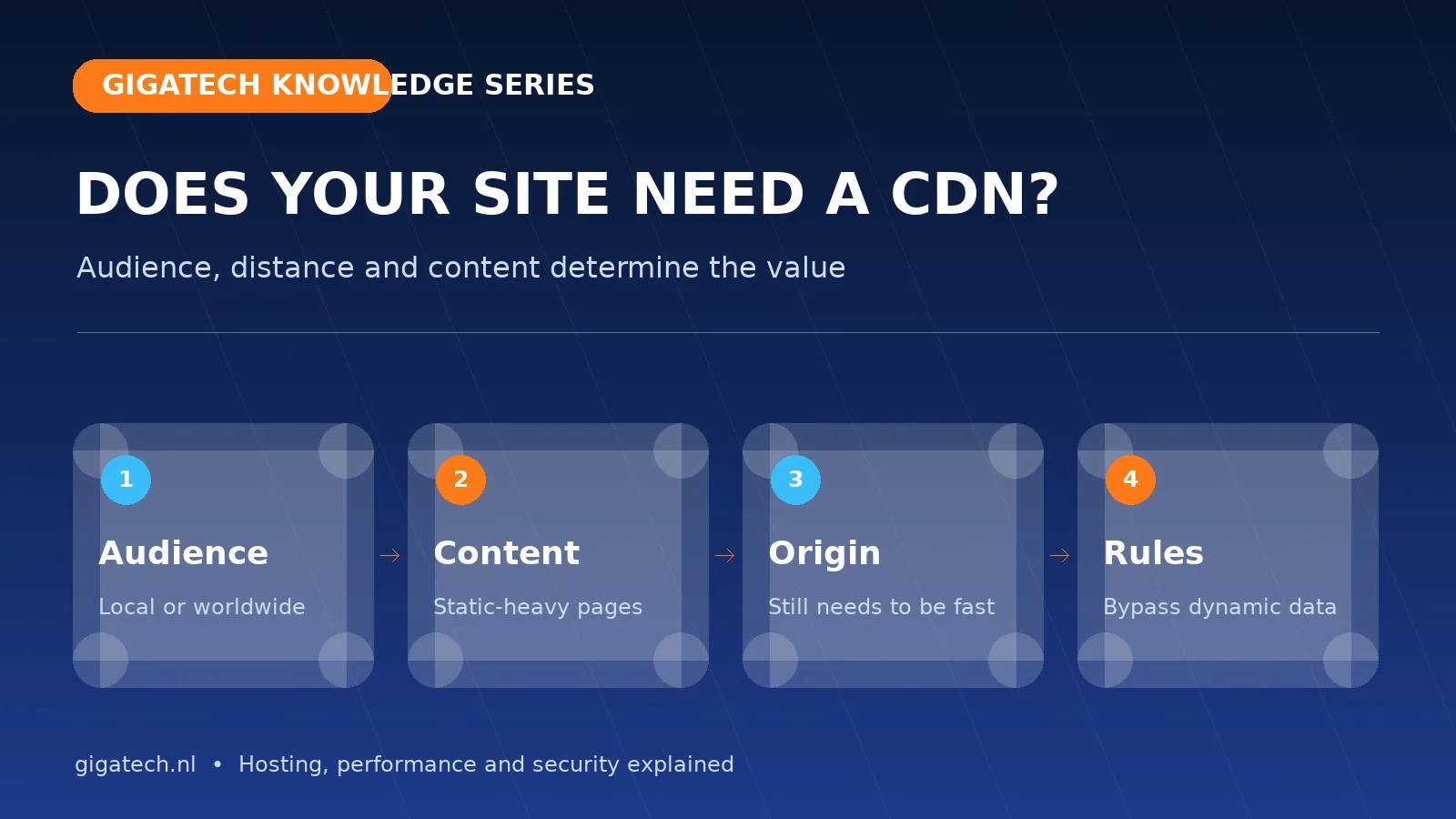
The largest gains appear with an international audience, a large volume of static files, sudden traffic peaks or substantial downloads. A Netherlands-focused site may still benefit from edge security, DDoS filtering and bot mitigation even when the distance advantage is small. For a lightweight local site on a fast Dutch server, well-configured server caching may matter more than another infrastructure layer.
What should and should not be cached?
CDNs generally cache static files such as images, stylesheets and scripts. Dynamic HTML is often not cached by default. WordPress and WooCommerce must bypass signed-in sessions, cart, checkout, My Account, previews and administration. Cookies, query strings and device variants affect the cache key. A poor rule can expose a personal page to another visitor.
The origin remains the engine
On a cache miss, the CDN still requests the page or file from the origin server. Forms, searches and signed-in actions also reach it. Optimise PHP, database, images and LiteSpeed cache first. A CDN amplifies a sound setup but only hides a structural problem temporarily.
10 GB of free QUIC.cloud CDN with Gigatech WordPress hosting
Every WordPress website on Gigatech WordPress hosting includes 10 GB of QUIC.cloud CDN traffic free each month. QUIC.cloud is the CDN service created by the team behind LiteSpeed and integrates directly with the LiteSpeed Cache plugin for WordPress. It can therefore cache images, CSS and JavaScript as well as suitable dynamic WordPress pages at the network edge.
Enable the connection in WordPress through LiteSpeed Cache → General → Online Services. Connect the domain to QUIC.cloud and then enable the CDN service. A DNS change may also be required, depending on the selected setup. LiteSpeed Smart Purge subsequently helps keep the origin cache and CDN cache synchronised whenever content changes.
Current usage and the available monthly allowance are shown in the QUIC.cloud dashboard. Processing may vary by CDN plan and visitor region, so the dashboard remains the authoritative usage display. If you would like assistance with activation, Gigatech Support can review the configuration with you.
Security is a separate benefit
Many CDN platforms combine caching with a web application firewall, rate limiting and bot or DDoS protection. That can stop unwanted traffic before it reaches the server. Protect the origin too: route traffic through the CDN where practical, maintain valid certificates and prevent attackers from bypassing the edge by targeting the origin IP.
A safe six-step rollout
- Measure TTFB and loading time from the Netherlands and important foreign regions.
- Start with static assets and long, versioned cache lifetimes.
- Verify DNS, TLS certificates and the HTTP-to-HTTPS redirect.
- Create explicit bypass rules for login, account, cart, checkout and previews.
- Test cache HIT/MISS, forms, payments, language switching and purging.
- Monitor origin traffic, errors, bots and real-user performance.
A simple decision rule
Do you mainly serve Dutch visitors with a lightweight site? Start with fast Dutch hosting, LiteSpeed and optimised media. Do you serve an international audience, deliver lots of media, run large campaigns or need edge security? A CDN is often the logical next layer. Decide from measurements rather than ticking the same box in every speed report.
Continue with our guide to hosting and Core Web Vitals or compare our hosting plans.