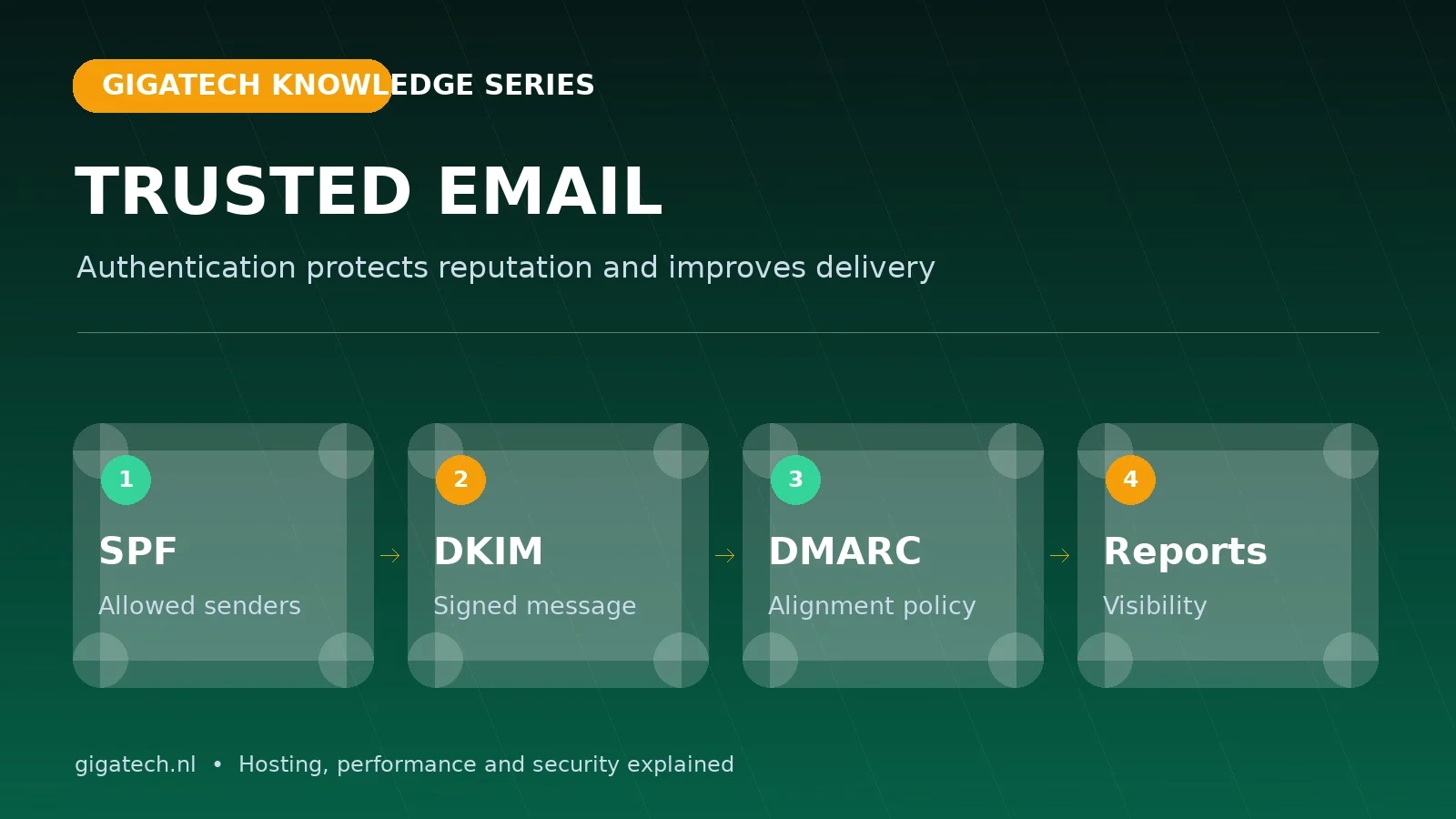
A professional email address creates trust, but the visible From field does not prove who sent a message. Without domain authentication, criminals can attempt to send email that looks as though it came from your organisation. SPF, DKIM and DMARC form a control layer that makes spoofing harder and gives legitimate mail a better chance of reaching the inbox.
SPF: which servers may send for your domain?
Sender Policy Framework is a DNS record listing the systems that are allowed to send email for your domain. This may include your hosting server, newsletter platform, CRM, billing system or cloud mail provider. The receiving server compares the sending IP address with that list.
An SPF record must remain complete and manageable. Multiple separate SPF records are invalid, while excessive DNS lookups also cause failures. Start with an inventory of every legitimate sender and remove services that are no longer used.
DKIM: a digital signature for each message
DomainKeys Identified Mail adds a cryptographic signature to outgoing email. The private key remains on the sending system and the public key is published in DNS. A recipient can verify that the message was not altered in transit and that the signature belongs to the domain.
Use a modern 2048-bit key where supported, rotate keys through a manageable process and make sure every sending service signs with the correct domain.
DMARC: alignment, policy and reporting
DMARC connects the visible sender to SPF and DKIM. At least one check must pass and align with the domain in the From address. The DMARC record then tells receivers what to do with messages that fail: report them, quarantine them or reject them.
Do not start blindly with p=reject. Begin with p=none, collect reports and verify every legitimate system. Move gradually to quarantine and reject. This prevents a forgotten contact form or billing platform from being blocked unexpectedly.
Why authentication also supports deliverability
Mailbox providers combine authentication with reputation, spam complaints, content, sending patterns, TLS and DNS checks. SPF, DKIM and DMARC do not guarantee inbox placement, but missing authentication is a serious negative signal. Google recommends authentication for all senders and applies additional requirements to bulk senders.
A practical implementation order
- List every system that sends email for the domain.
- Publish one correct SPF record and test each sender.
- Enable DKIM per service and verify its selector and key.
- Add DMARC reporting with a
p=nonepolicy. - Review reports, fix alignment and introduce enforcement gradually.
- Also verify PTR/reverse DNS, TLS and sending IP reputation.
Your contact form needs the same care
Websites send password resets, enquiries and orders. Do not use a visitor’s address as the technical sender; send from an address on your own domain and place the visitor in Reply-To. Use authenticated SMTP where possible and limit abuse with CAPTCHA, rate limiting and logging.
Our hosting platform supports DKIM, SPF management and secure mail configuration. Need help with an existing domain? Open a ticket through Gigatech Support.