A website can be technically online and still feel slow, jumpy or unresponsive. Core Web Vitals turn that feeling into measurable signals. Google focuses on how quickly the main content appears, how promptly the page reacts to an interaction and how much the layout shifts while loading. Good scores are not just a way to make a report turn green. They usually mean visitors find what they need faster and are less likely to leave.
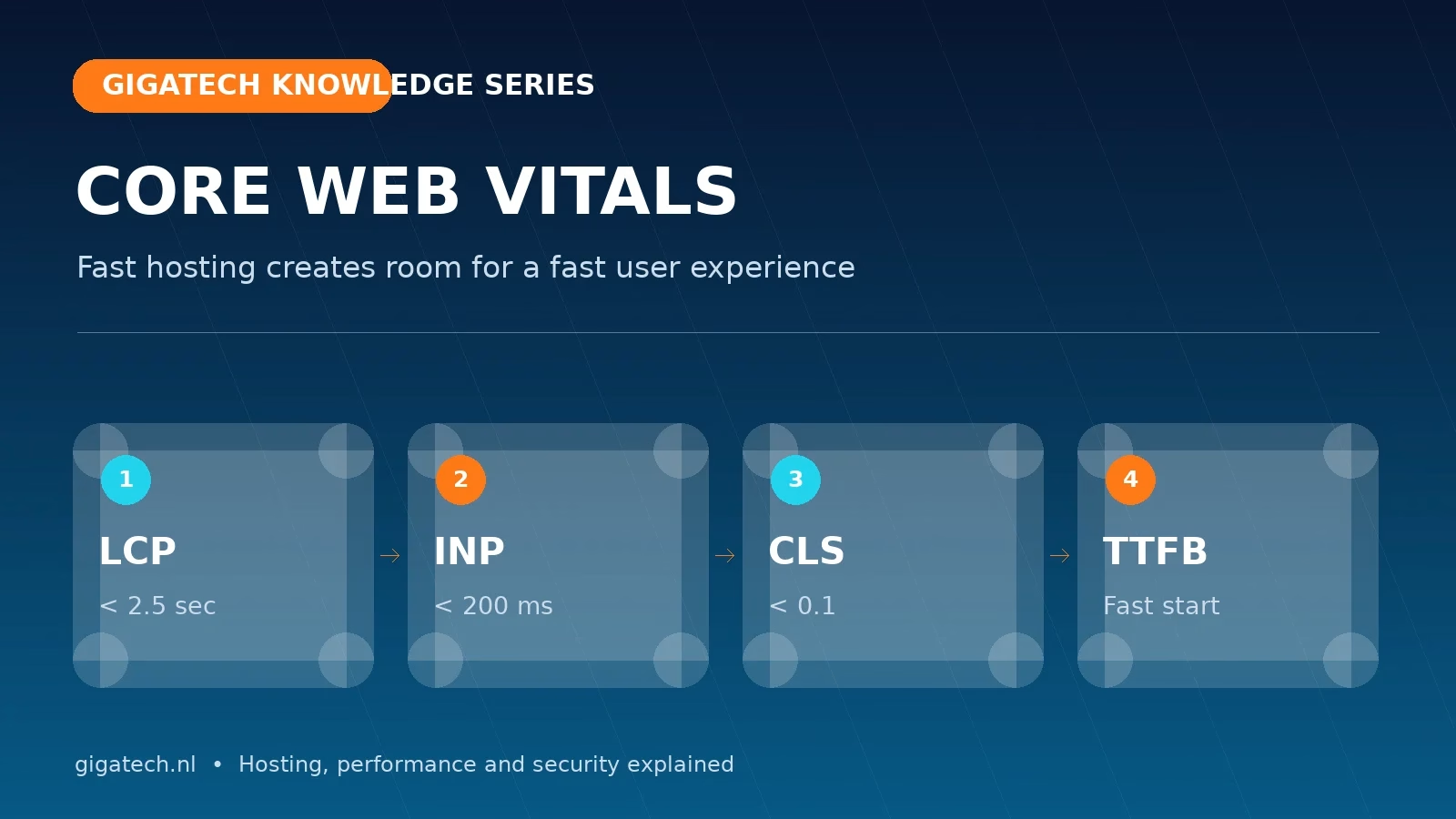
What do LCP, INP and CLS measure?
Largest Contentful Paint (LCP) records when the largest visible content element has loaded. This is often a hero image, product photo or large heading. A good target is 2.5 seconds or less. Interaction to Next Paint (INP) measures how quickly a page visibly responds after someone clicks, taps or types; below 200 milliseconds is considered good. Cumulative Layout Shift (CLS) measures unexpected movement. A score below 0.1 helps prevent buttons, text and forms from jumping around while someone is using the page.
These metrics are evaluated with real user data. A fast office connection therefore tells only part of the story. Mobile visitors, busy periods and slower networks matter too.
TTFB is the foundation of loading performance
Time to First Byte is not one of the three official Core Web Vitals, but it affects almost everything that follows. If the server takes too long to send its first response, the browser starts downloading HTML, styles, scripts and images too late. A low TTFB depends on a fast web server, sufficient CPU and memory, a healthy database and correctly configured caching.
That is why we use LiteSpeed, server-side caching and Redis object caching where it adds value. LiteSpeed can serve complete cached pages close to the web server. Redis reduces repeated database work when a page cannot be fully cached. This is not a synthetic shortcut: it removes waiting time throughout the request chain.
How to improve LCP
- Resize the main hero image and deliver it as WebP or AVIF.
- Do not lazy-load the LCP image; give it priority instead.
- Reduce render-blocking CSS and load only what the page needs.
- Use page caching, HTTP/3 and a fast server response.
- Limit font families and weights to the versions you actually use.
How to improve INP
Slow interactions are often caused by too much JavaScript on the main thread. Sliders, analytics, pop-ups and plugins may all load on every page. Remove unused features, delay non-critical scripts and test menus, filters, forms and shopping carts. Dynamic WordPress sites also benefit from enough account memory and CPU to process the server side of an interaction quickly.
How to keep CLS under control
Reserve space for images, adverts, cookie notices and embeds before they load. Always provide image dimensions, avoid fonts that completely reflow the page when they arrive and do not insert notices unexpectedly above existing content. A visually calm page immediately feels more professional.
Measure without fooling yourself
Use PageSpeed Insights for a snapshot and Search Console for field data over time. Test several page types: the homepage, a long article, a product page and a form. Compare mobile and desktop, and measure again after every meaningful change. One perfect laboratory run matters less than a stable trend across real visits.
Would you like a fast foundation without managing every server layer yourself? Explore our WordPress hosting and hosting plans. We are happy to help identify the change with the greatest impact.