WordPress is largely PHP code. For an uncached request, the server reads scripts, runs the theme and plugins, queries data and builds HTML. PHP configuration therefore influences both time and capacity. A current version, active OPcache and an appropriate worker count create a fast foundation; one isolated number cannot repair an overloaded application.
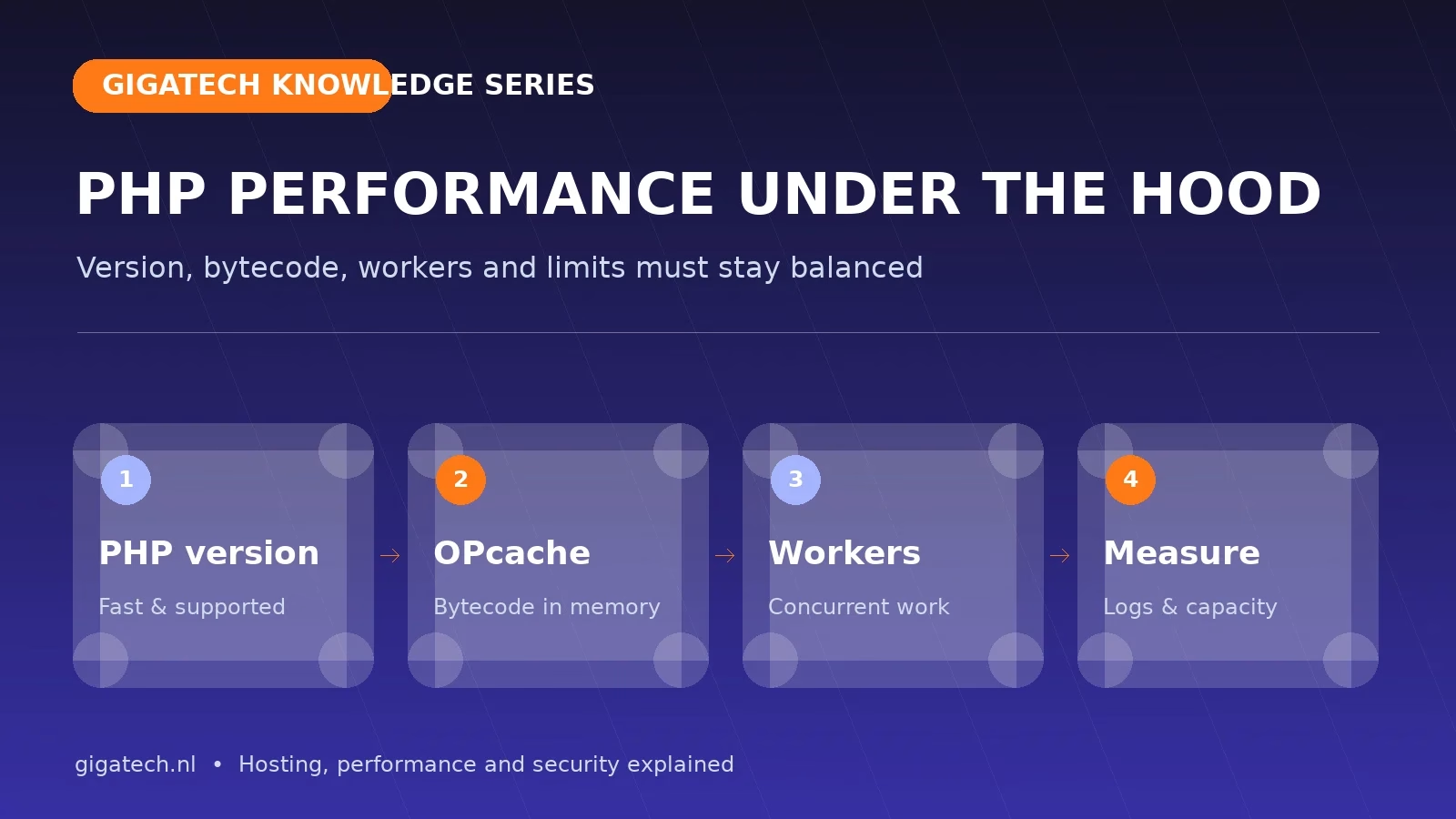
A supported PHP version is the first step
New PHP releases bring performance and security improvements, but an upgrade must remain compatible with the theme, plugins and custom code. Test on staging, inspect the error log and exercise forms, administration, cron and checkout. Do not remain on an obsolete version because one abandoned plugin cannot move; replace that weak link deliberately.
OPcache avoids compiling the same code repeatedly
PHP code is compiled to bytecode before execution. OPcache keeps that bytecode in shared memory so scripts do not need to be parsed and compiled on every request. This reduces CPU work and response time. The cache must be large enough for the active codebase; a full cache with frequent restarts or evictions creates inconsistent performance.
What is a PHP worker?
A worker processes one dynamic PHP request at a time. Page cache can serve many visits without a worker, but login, search, cart, checkout, API calls and some AJAX actions use one. When every worker is occupied, requests queue. More workers help only while CPU, memory and database can support the additional concurrent work.
Memory limit is not allocated account memory
memory_limit is the ceiling for one PHP process, not memory permanently assigned to the website. An excessive limit can actually exhaust the account when several workers run together. CloudLinux limits for CPU, memory, processes and I/O protect the account as a whole. Consider the combination and investigate recurring limit faults.
PHP-FPM, LiteSpeed and the workload
The process manager or web server decides how workers start, persist and stop. Settings must match traffic patterns and server capacity. A news site with cacheable pages differs from WooCommerce with personal sessions. LiteSpeed cache reduces PHP starts; Redis reduces repeated database work inside dynamic requests.
Measure before increasing
- Inspect slow requests, 5xx errors and timeouts in logs.
- Measure how many requests are genuine cache HITs.
- Review CPU, memory, entry processes, I/O and database wait during peaks.
- Monitor OPcache memory, hit rate and restarts.
- Profile plugins or queries that make one request unusually expensive.
Increase workers or limits only when evidence shows the application is efficient and the server has headroom. Otherwise, you lengthen the queue without making the checkout faster. For stores, continue with our WooCommerce performance guide; for platform choices, read which hosting type fits.