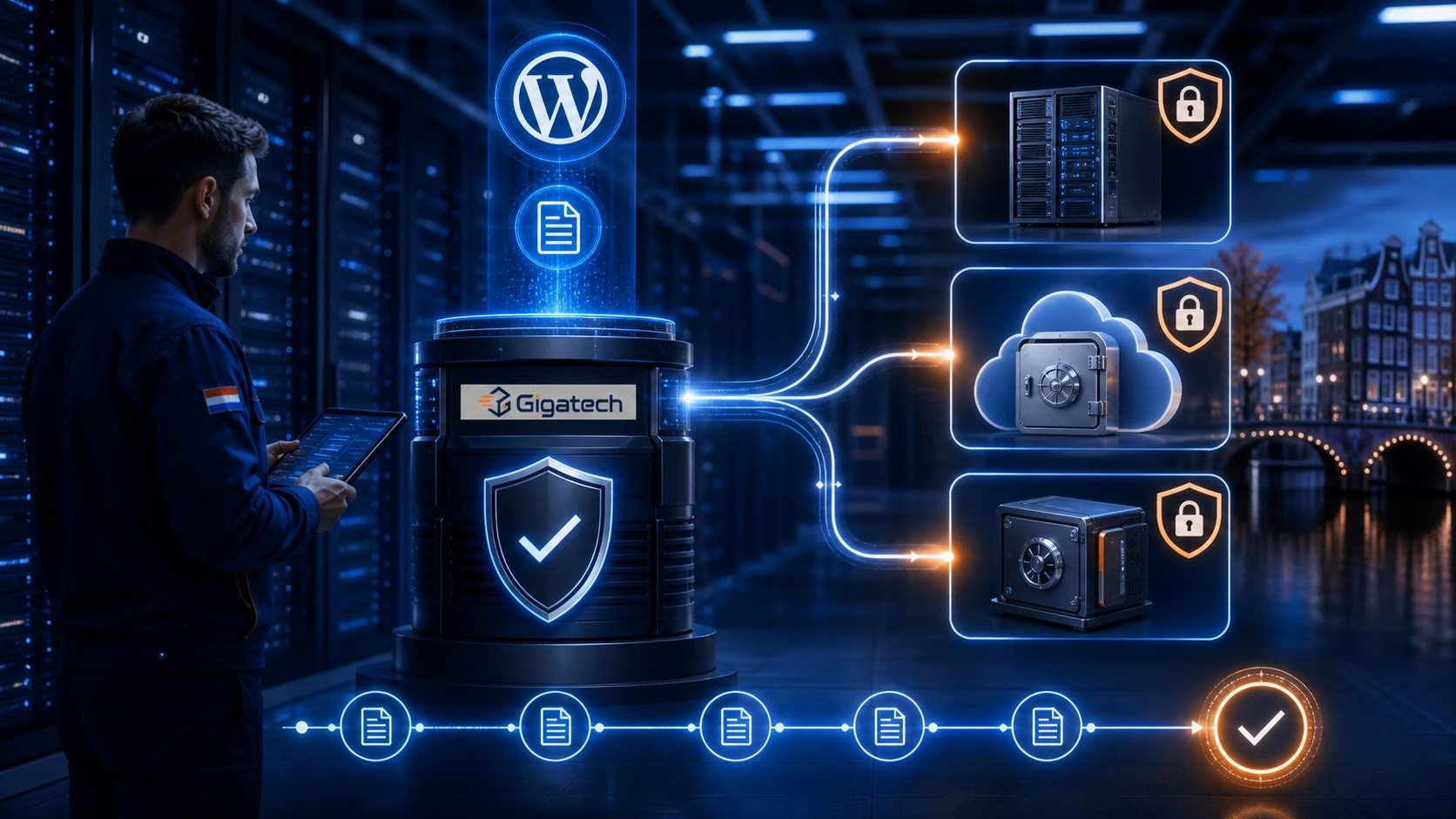
A secure WordPress site is not one that is never attacked. It is a site where known risks are reduced, suspicious behaviour is found early, damage is contained and recovery is prepared. WordPress is popular and therefore attractive to automated attacks, but panic is not a strategy. A practical collection of defensive layers is much more effective.
1. Start with updates and less software
Vulnerabilities are frequently exploited after details become public. Keep WordPress core, themes and plugins current. Remove unused plugins and themes completely; deactivated code still exists on the server. Select extensions from trusted suppliers with a visible maintenance record.
Apply major updates in a controlled way: create a backup, check compatibility and test important functions such as forms, payments and login. Automatic security updates are valuable, but they do not remove the need for functional verification.
2. Protect accounts, not only passwords
Give every administrator a unique account and a unique long password generated by a password manager. Do not share one general admin login; individual accounts are easier to revoke and audit. Assign only the role each person needs.
Enable two-factor authentication for administrators. 2FA cannot prevent every scenario, but a stolen password alone will usually be insufficient. Protect the email account used for password recovery as well. That mailbox is effectively part of WordPress access.
3. Stop bots as early as possible
Brute-force bots test passwords at scale and consume PHP and database resources in the process. It is more efficient to slow and block them at the firewall or web server than deep inside WordPress. LiteSpeed Enterprise provides WordPress brute-force protection; Imunify360 uses firewall and reputation signals and can present an anti-bot challenge.
Restrict or protect XML-RPC when it is not required. Add a challenge to the login where appropriate and temporarily block repeated failed attempts. Maintain a recovery route so legitimate administrators are not permanently locked out.
4. Use layered server security
Filters known attack patterns and suspicious traffic before the application processes it.
Examines files for suspicious changes and known malicious code.
Can stop malicious PHP behaviour while code is executing.
CloudLinux and CageFS limit resources and visibility between accounts.
No single layer can see everything. Firewall rules recognise network and web patterns; malware scanners inspect files; behavioural detection watches execution; isolation limits the reach of a compromised account. Together they are stronger than one security plugin.
5. Secure connections and administration
Use HTTPS across the website and especially for administration. Use SFTP or secure control interfaces instead of unencrypted FTP. Limit SSH to accounts that need it and use keys where possible. Disable the built-in theme and plugin file editor when it is unnecessary; an attacker with admin access then loses one convenient route for changing PHP code.
6. A backup has value only after a restore test
A backup on the same server is exposed to the same failure or attack. Keep at least one copy separate from production and retain several points in time. For a shop or busy website, frequency should match the amount of data the business can afford to lose.
Do not rely only on a task reporting “success”. Periodically test that files and database can be restored together. Document who performs recovery, which DNS and access details are required and the acceptable recovery time.
7. Monitor changes and warning signs
Watch for unexpected administrators, changed files, spikes in outgoing email, unknown cron jobs and sudden resource usage. Monitoring cannot guarantee prevention, but it shortens the period in which a problem remains invisible. Keep contact information with your host current so security alerts reach you.
8. Create a simple incident plan
- Restrict access and prevent further damage without unnecessarily destroying evidence.
- Create a snapshot and collect relevant logs.
- Identify the entry point: vulnerable plugin, stolen account or another route.
- Restore from a trusted source and update every component.
- Change passwords and keys that may have been exposed.
- Recheck the website and monitor more closely after recovery.
Short monthly checklist
- Are WordPress, plugins and themes up to date?
- Have unused accounts and extensions been removed?
- Do all administrators use unique passwords and 2FA?
- Are backups recent, external and restorable?
- Are there unknown administrators, files or email spikes?
- Do forms, payments and security notifications still work?
Gigatech combines WordPress hosting with LiteSpeed, CloudLinux account isolation and Imunify360 security. You remain responsible for your application, users and content; we provide a strong and actively managed hosting foundation.